

AI YouTube Thumbnail Coach for Your Next Video
Talk through scores, hooks, and packaging with ThumbnailGPT — then open the right Thumbalyze tool next.
Free toolNo credit card required
Talk through scores, hooks, and packaging with ThumbnailGPT — then open the right Thumbalyze tool next.
Free toolNo credit card required
CTR is soft — what should I fix first?
ThumbnailGPT
Enlarge the face, cut the overlay to four words, then re-score contrast.
Ask ThumbnailGPT about soft CTR, weak titles, or cluttered layouts — and get a concrete next move instead of generic design advice.
Attach a frame or pull context from an analysis, generation, or Simulate draft so the plan stays tied to what you are shipping.
Action cards open the analyzer, generator, templates, avatars, or editor so strategy turns into an edit without losing the thread.
Score, generate, browse templates, and ask a coach what to fix.
Describe your video and get AI thumbnail designs sized for YouTube.
Ask about your title, hook, or thumbnail and get niche-specific advice.
Upload a thumbnail and get a score with concrete fixes you can apply.
Drop thumbnail or click to upload
PNG, JPG, or WEBP · Max 10MB
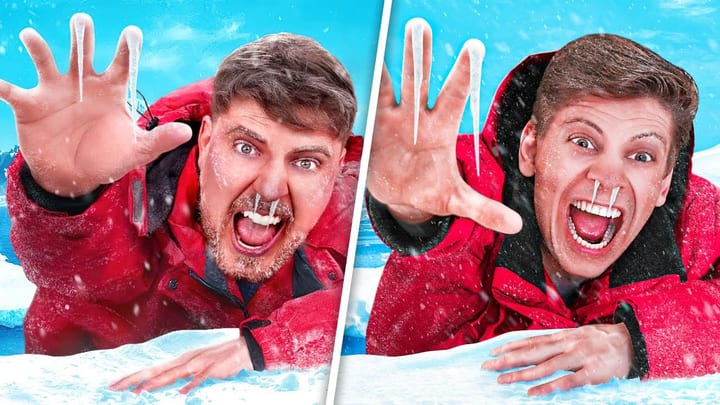
Pick a proven layout like splits or reactions and generate in that style.
Apply analysis fixes on a live canvas and preview CTR changes before you publish.
Brightness
100%
Contrast
100%
Sharpness
45
Saturation
100%
Pick a ready-made presenter and drop them into any thumbnail you generate.
How ThumbnailGPT coaching works inside Thumbalyze.
Score a thumbnail, generate a better option, and see if Thumbalyze fits how you create.