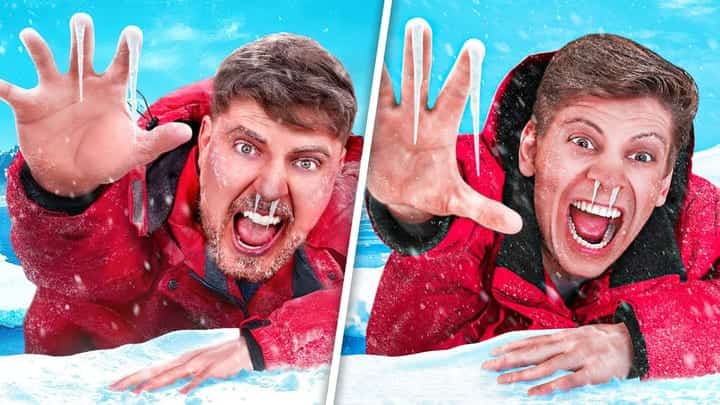


AI Fortnite YouTube Thumbnail Generator
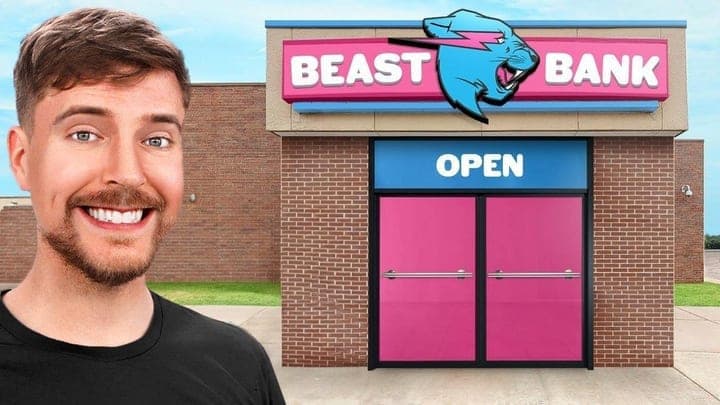
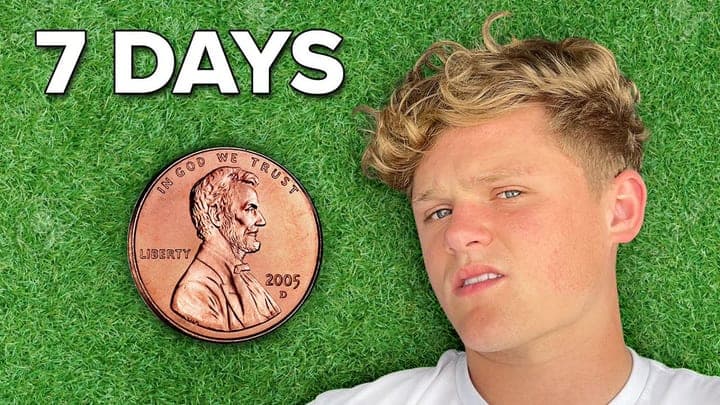
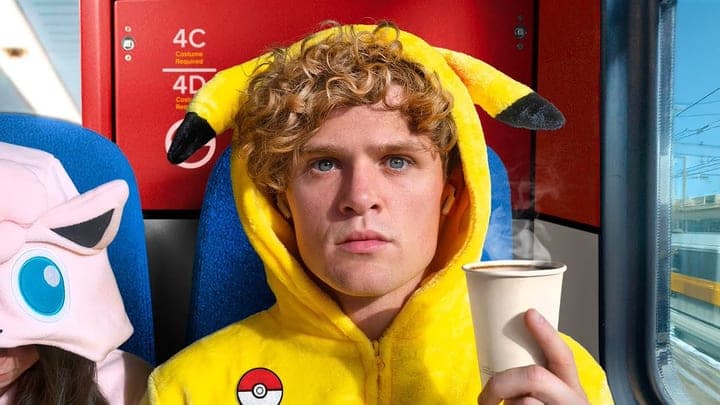
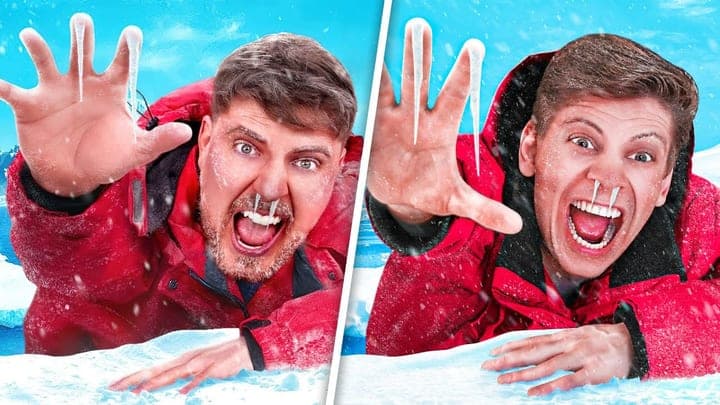
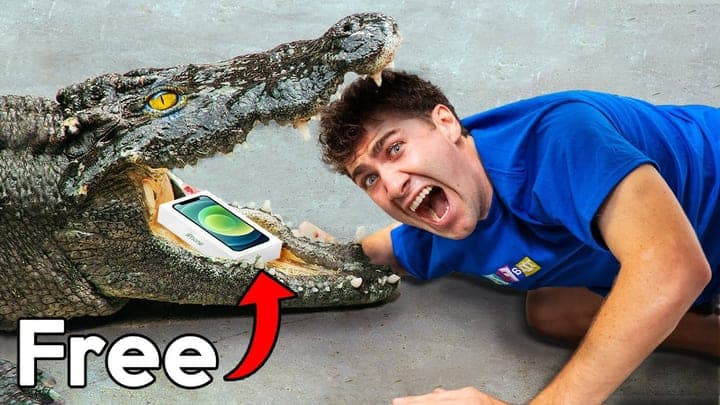
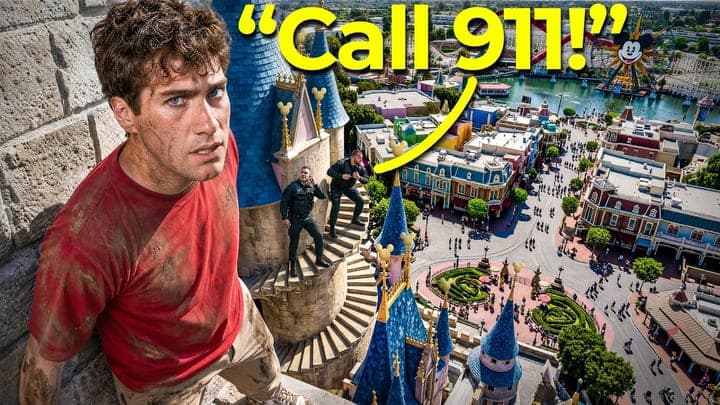
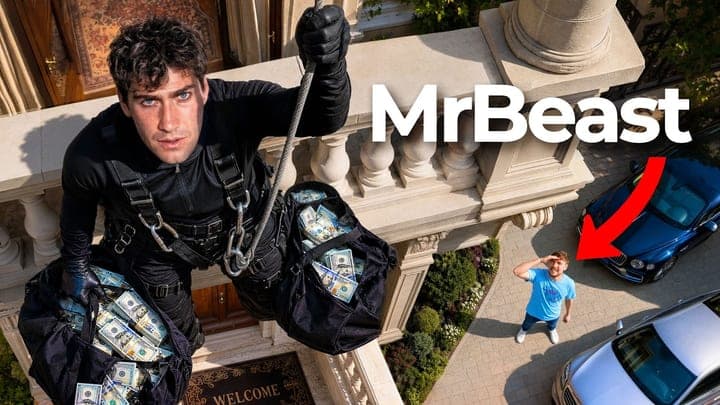
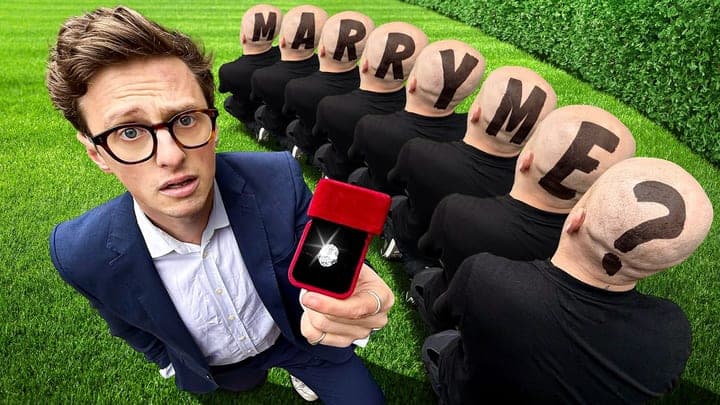
Build Fortnite thumbnails for updates, loadouts, and challenge videos with a dominant subject, punchy text, and colors that still read small.
Free toolNo credit card required
Build Fortnite thumbnails for updates, loadouts, and challenge videos with a dominant subject, punchy text, and colors that still read small.
Free toolNo credit card required

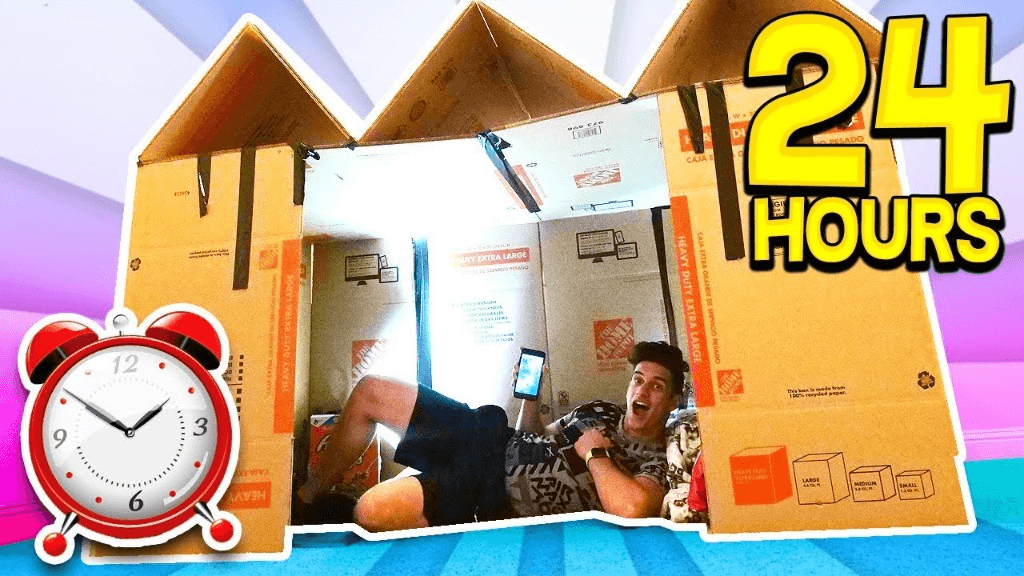
Drop a reference still or describe the Fortnite video. Thumbalyze builds a feed-ready frame aimed at that niche — not a generic poster.
YouTube link
youtube.com/watch?v=DuOolRhG2UY
Layouts favor one dominant fortnite subject, short overlay text, and strong separation so the frame still works when it shrinks on mobile.
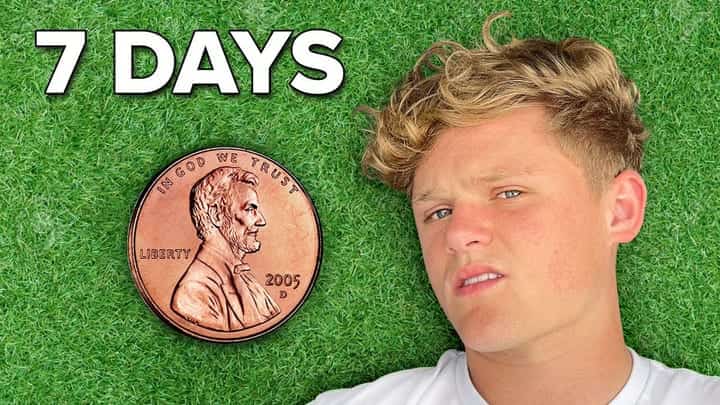
Only One Thumbnail Trick Actually Worked
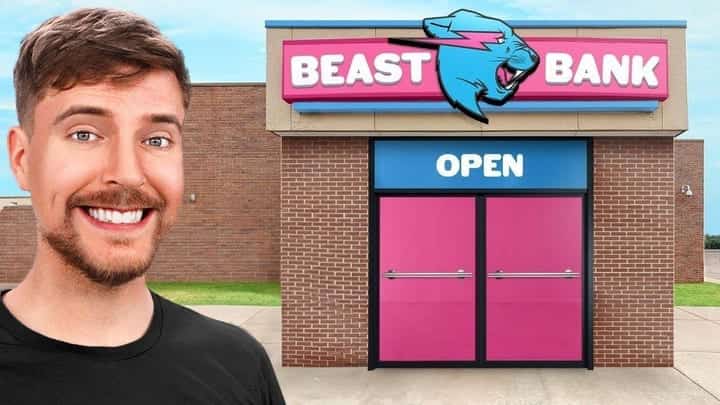
8.2I Doubled My Clicks in 30 Days (Here's How)
7.9I Tried Every Thumbnail Trick for 30 Days
6.4After generate, review gaze focus and title ideas so the Fortnite thumbnail and title split the work instead of repeating each other.
Score, generate, browse templates, and ask a coach what to fix.
Describe your video and get AI thumbnail designs sized for YouTube.
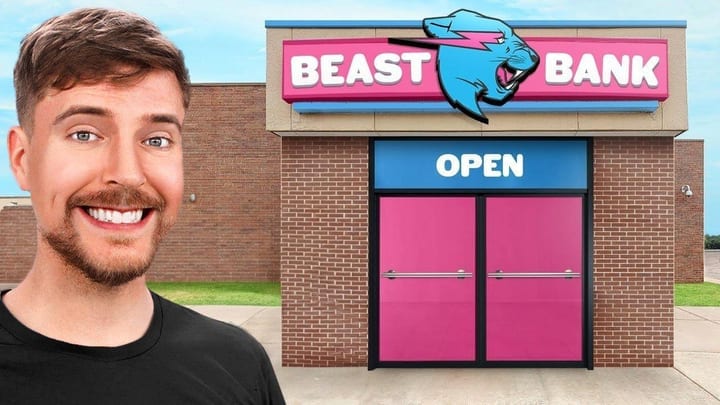
Ask about your title, hook, or thumbnail and get niche-specific advice.
Upload a thumbnail and get a score with concrete fixes you can apply.
Drop thumbnail or click to upload
PNG, JPG, or WEBP · Max 10MB
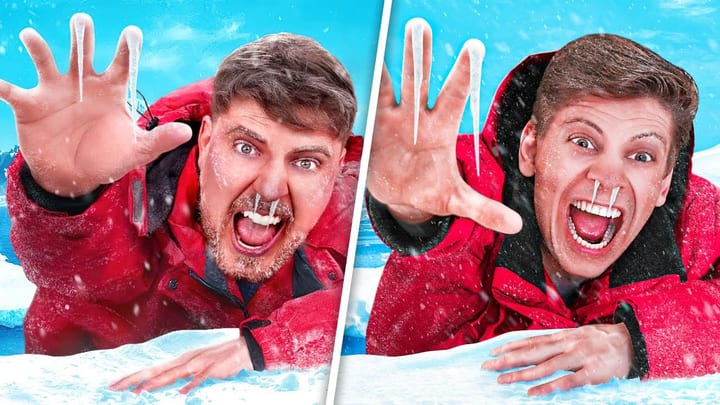
Pick a proven layout like splits or reactions and generate in that style.
Apply analysis fixes on a live canvas and preview CTR changes before you publish.
Brightness
100%
Contrast
100%
Sharpness
45
Saturation
100%
Pick a ready-made presenter and drop them into any thumbnail you generate.
What to know before generating your first Fortnite YouTube thumbnail with AI.
Score a thumbnail, generate a better option, and see if Thumbalyze fits how you create.